Scrybe AI for iPhone
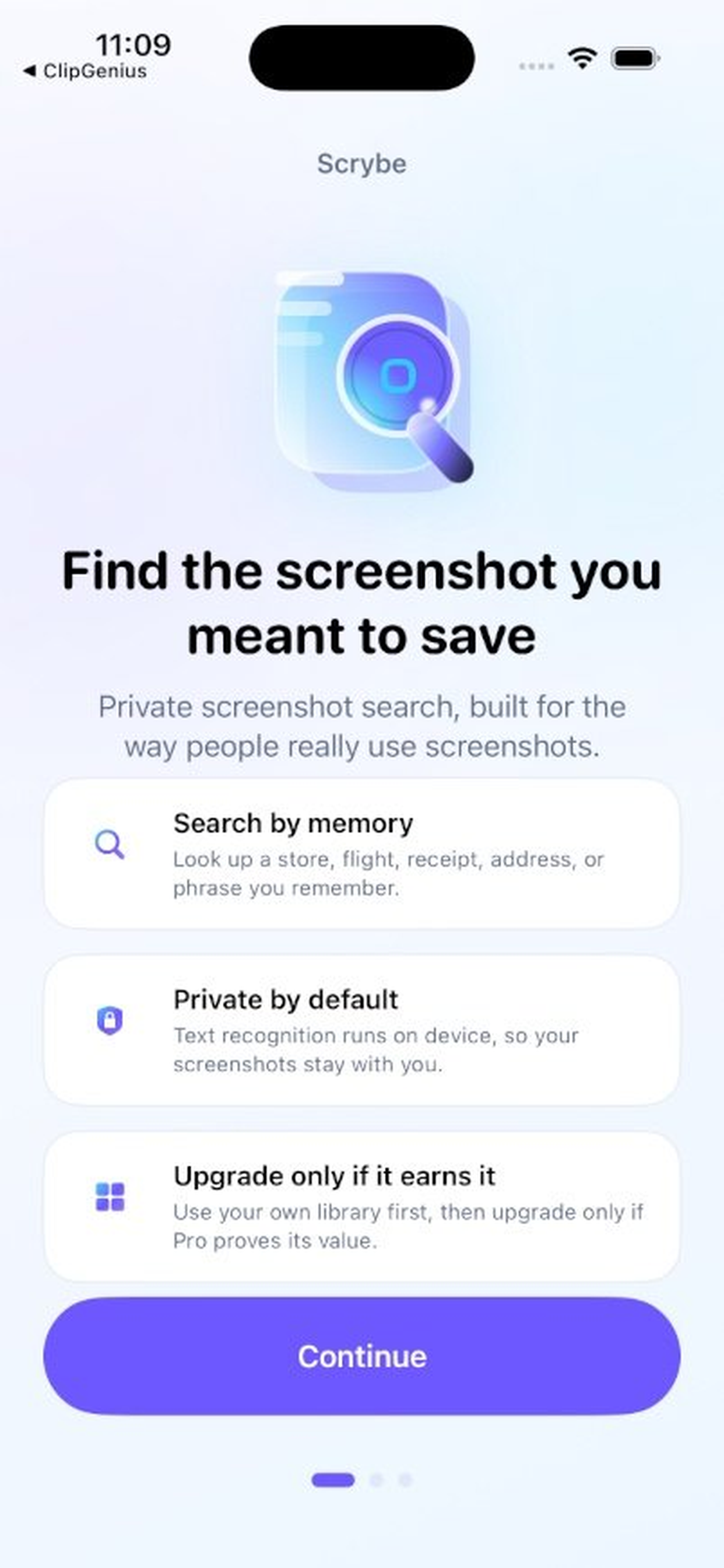
Every screenshot searchable. Instantly. Zero cloud.
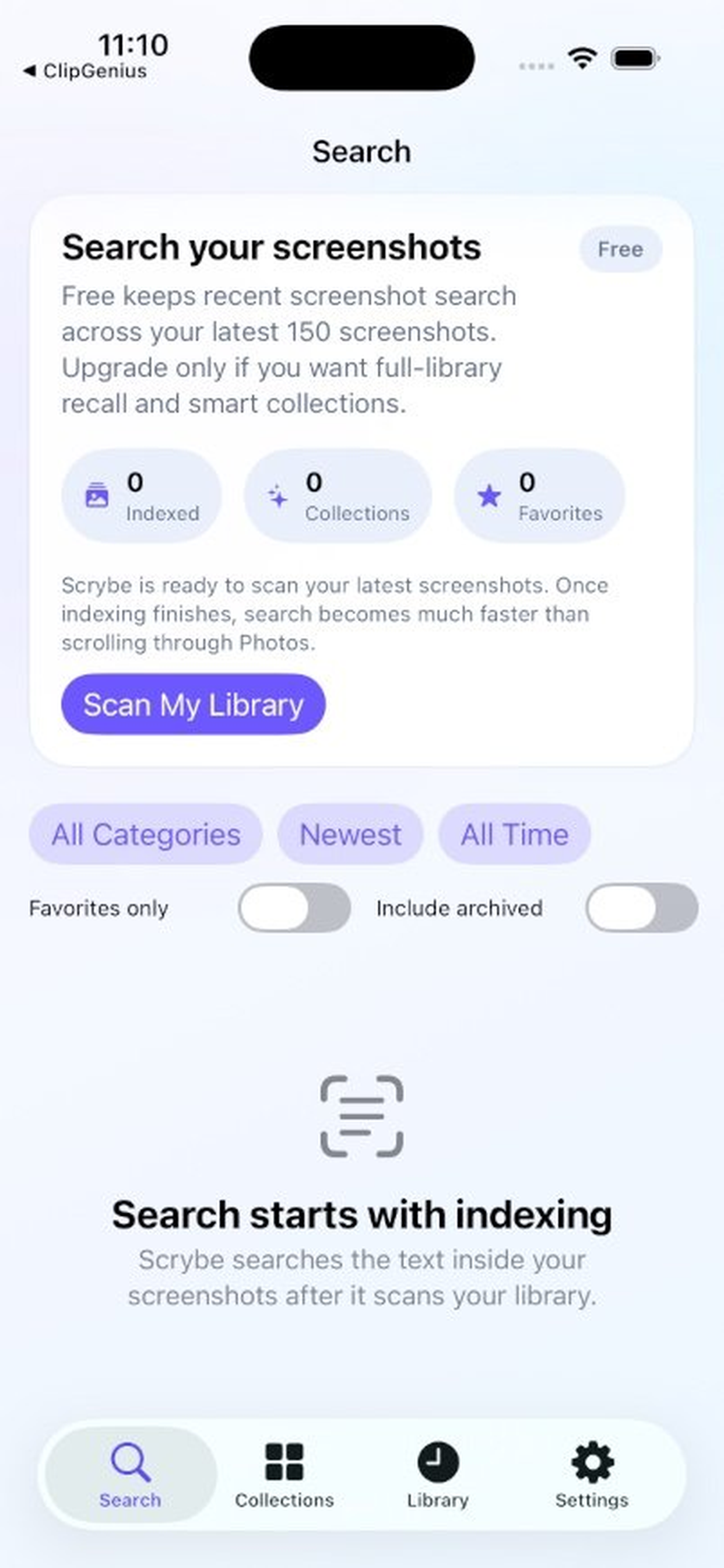
Automatically OCR and tag your screenshots and clipboard snippets so you can find anything by describing it — all on-device.
Built for clarity
Everything you need in one place
Scrybe AI focuses on fast entry, accurate tracking, and exportable documentation.
Automatic screenshot OCR
Indexes the text inside your screenshots so nothing gets lost.
AI tagging on-device
Groups content by topic (recipes, receipts, code, addresses) without uploading anything.
Natural-language search
Find what you need by describing it: “the recipe I saved last week”.
Clipboard history (optional)
Save and search copied snippets like promo codes, emails, and code blocks.
How it works
Grant access
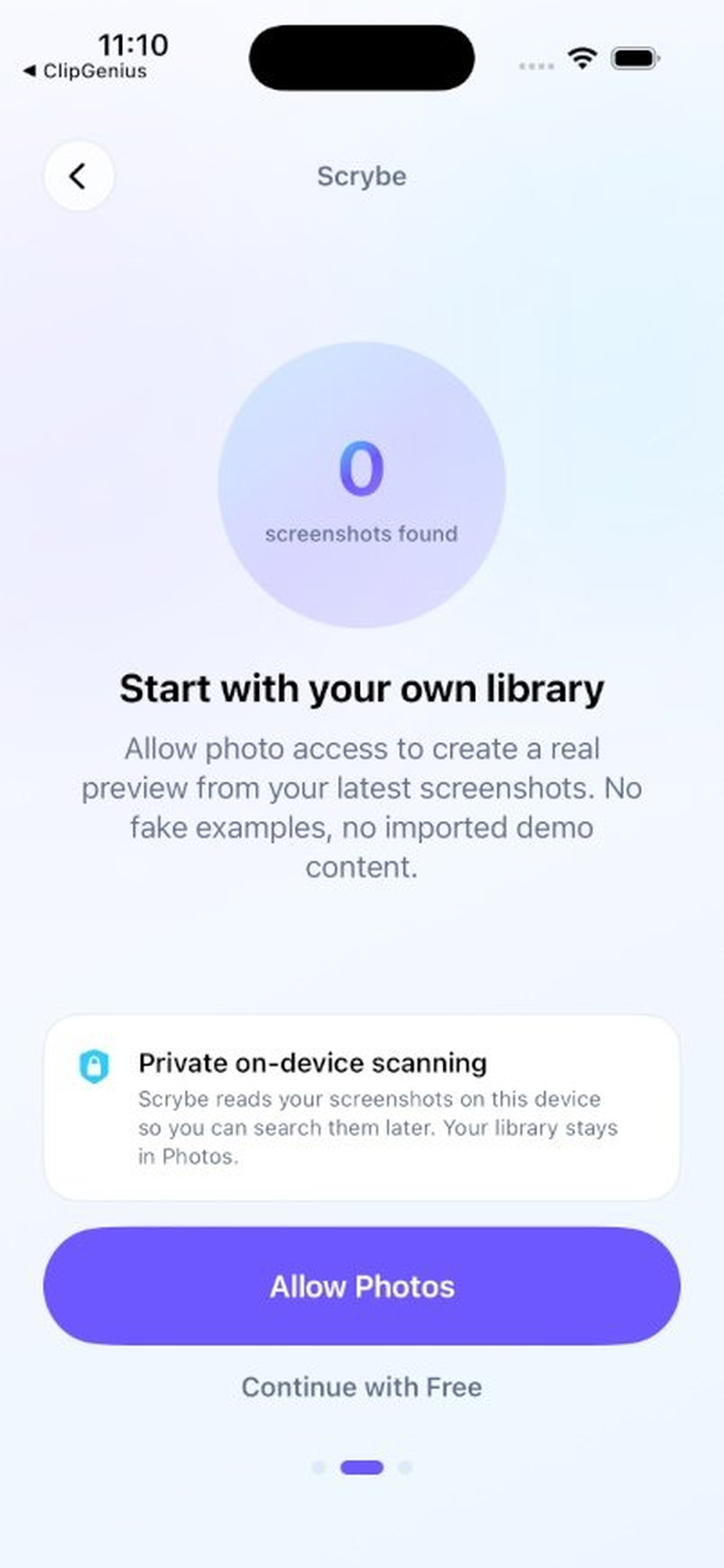
Allow access to your Photos (Screenshots album) and optionally enable clipboard capture.
Index on-device
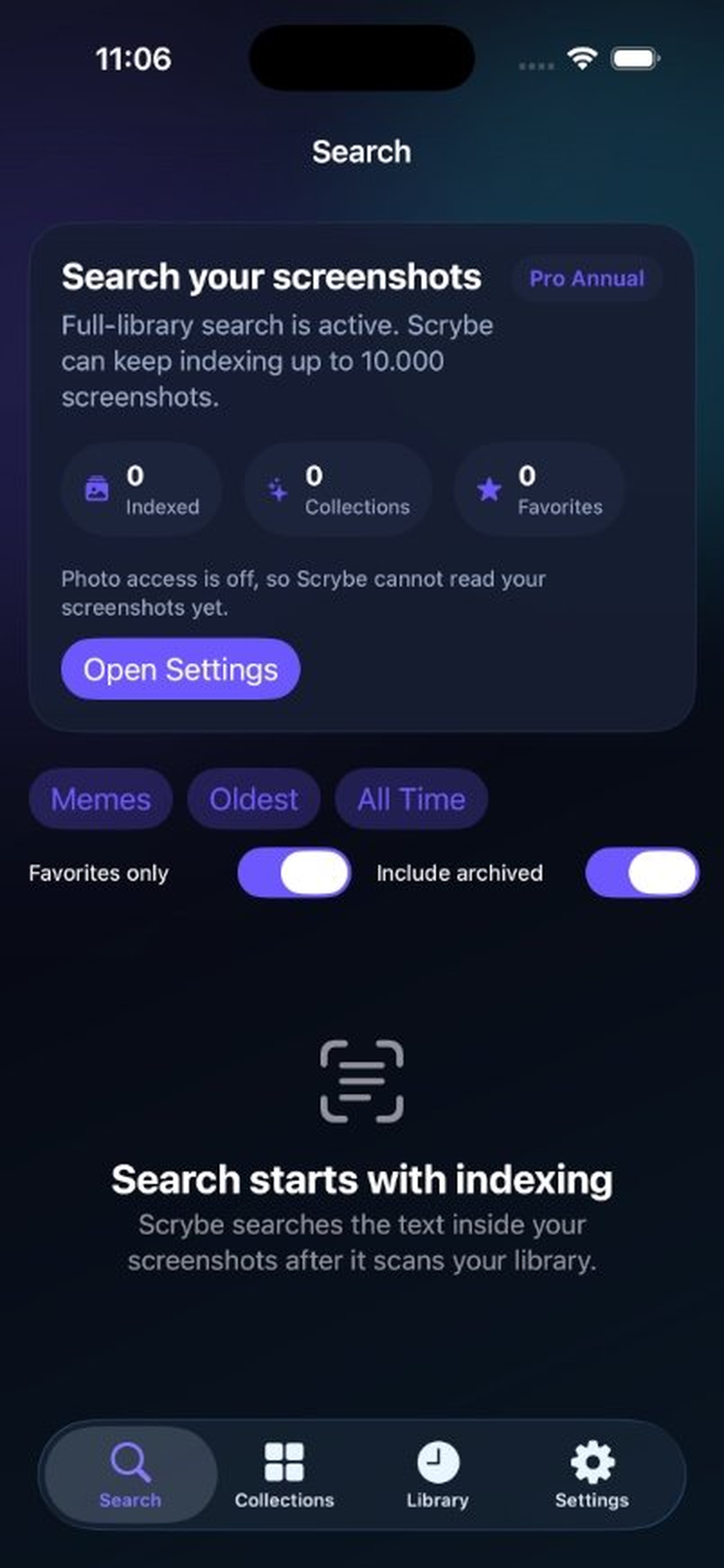
Scrybe AI runs OCR and tagging locally and builds a searchable index.
Search instantly
Type what you remember and jump straight to the exact screenshot or snippet.
Frequently asked questions about Scrybe AI
- No. OCR and tagging run on-device and we do not operate a backend for your content.
- No. Scrybe AI is designed for private, on-device use without sign-in.
- If you enable it, Scrybe AI can save copied text snippets so you can search them later. You control what's captured and can delete history at any time.
- Yes. You can delete individual items or wipe the entire index and history from Settings.