Payday: Paycheck Planner
options each paycheck. Spend with more confidence.
Payday is a local-first paycheck planner that helps you allocate income, map bills to the right payday, and see a realistic safe-to-spend number before money disappears.
Published on the App Store under RAPHAEL MOMANYI. Last reviewed for portfolio context on May 23, 2026.
Portfolio context
Primary action is the verified App Store listing, not a purchase-disclosure funnel.
Support, privacy, and terms pages are app-specific and linked from this page.
Guide pages are written as fit guidance with source links and conservative claims.
What Payday is built to help with
Payday is a zero-based paycheck planner for people who budget around real paydays, recurring bills, and everyday spending. Build a options for each paycheck, track what is already covered, and move forward with a calmer safe-to-spend number.
Best for
Workflow tags
Product visuals
Payday screenshots
4 mapped assets


Evaluate the core product surface
These are portfolio-level feature summaries. Use the live App Store listing and the app itself to confirm the current feature set before adopting it into a recurring workflow.
Paycheck-first planning
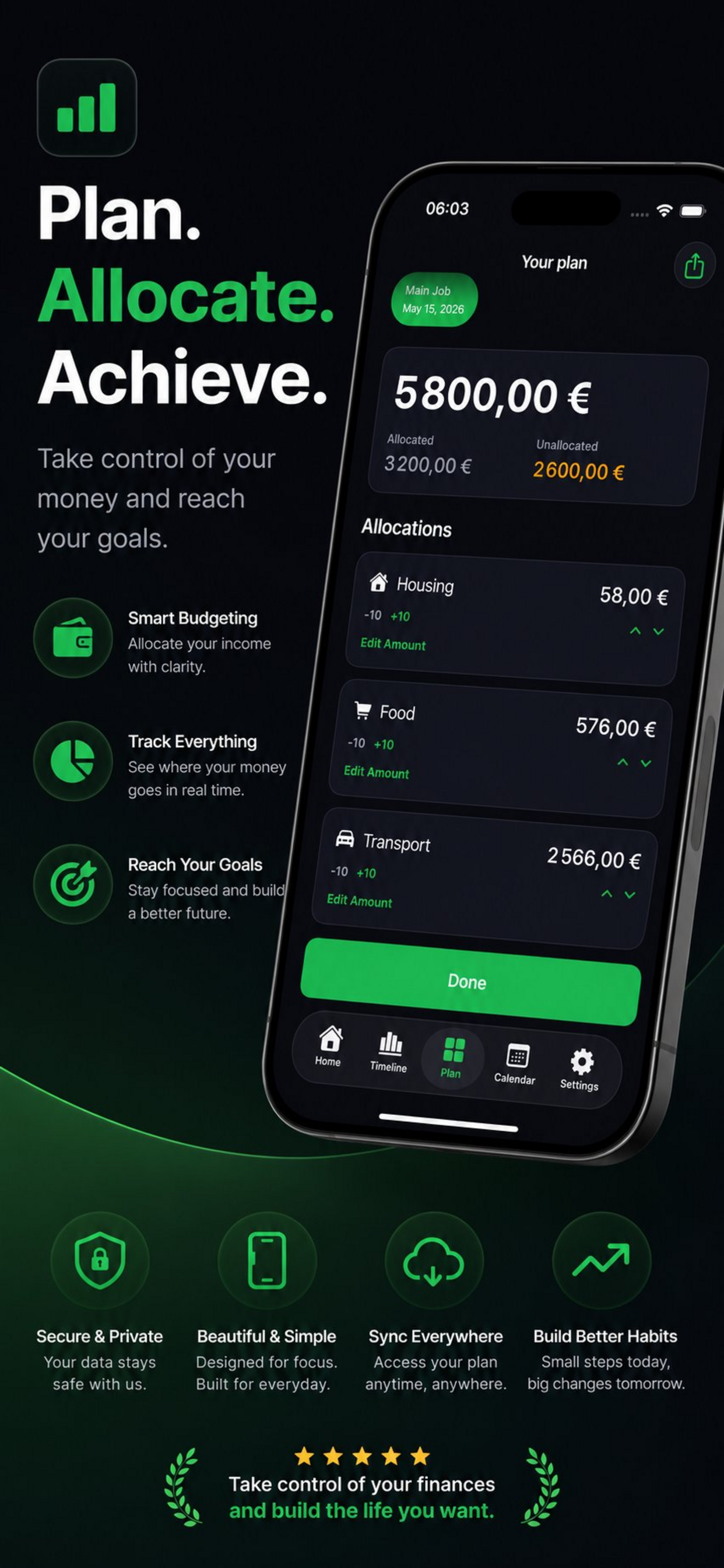
Build one options at a time around the money that is actually arriving instead of relying on a recurring budget that drifts out of sync.
Allocation categories
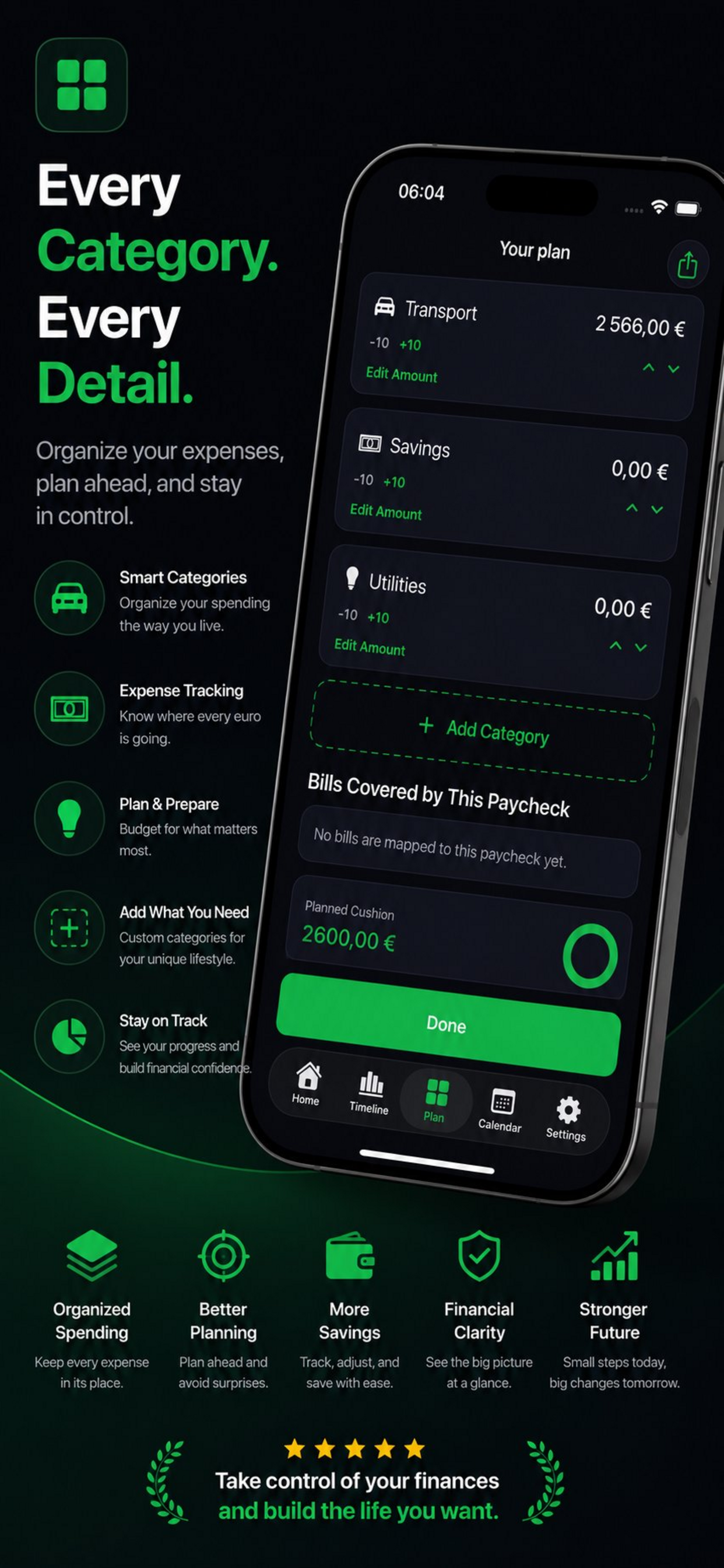
Split each paycheck across bills, savings, groceries, transport, and custom categories with a focused editing flow.
Safe-to-spend clarity
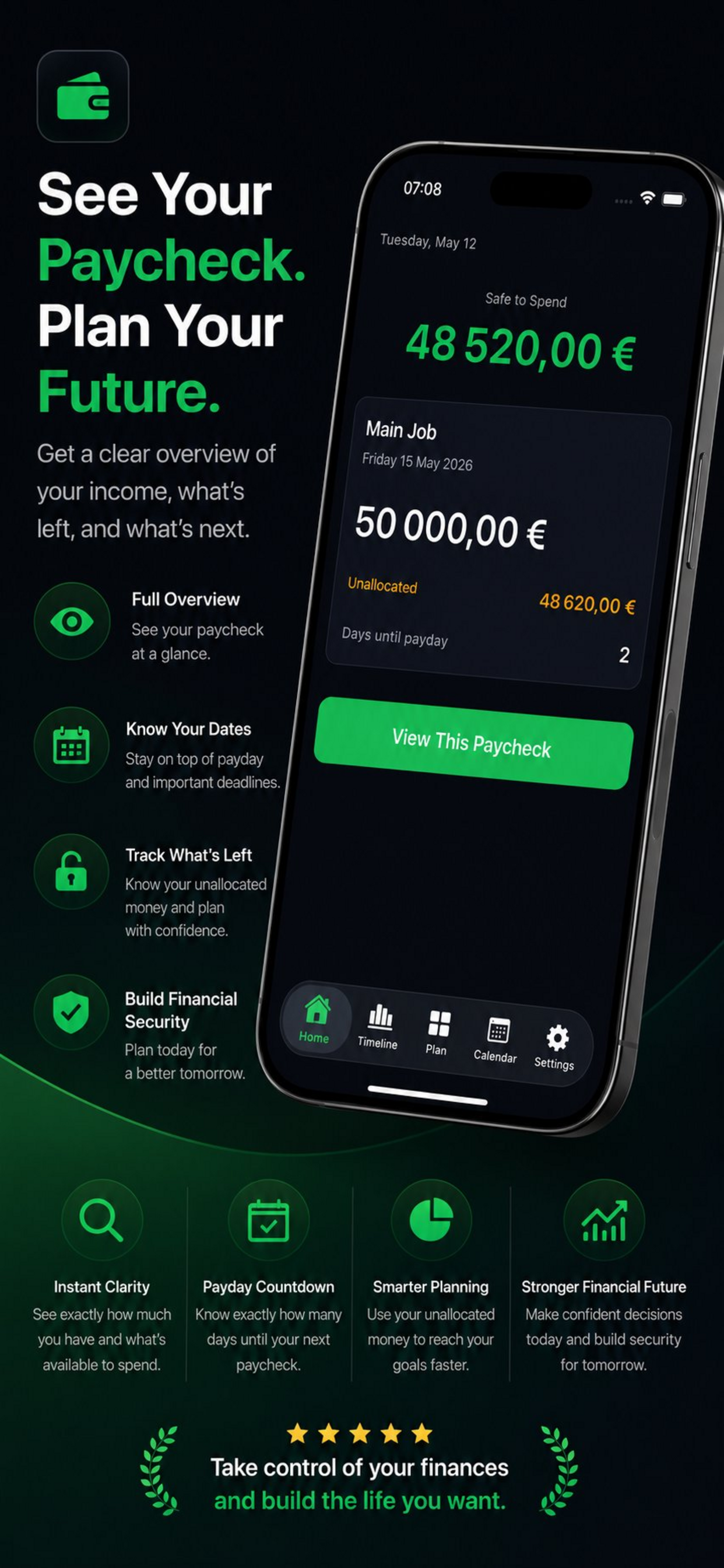
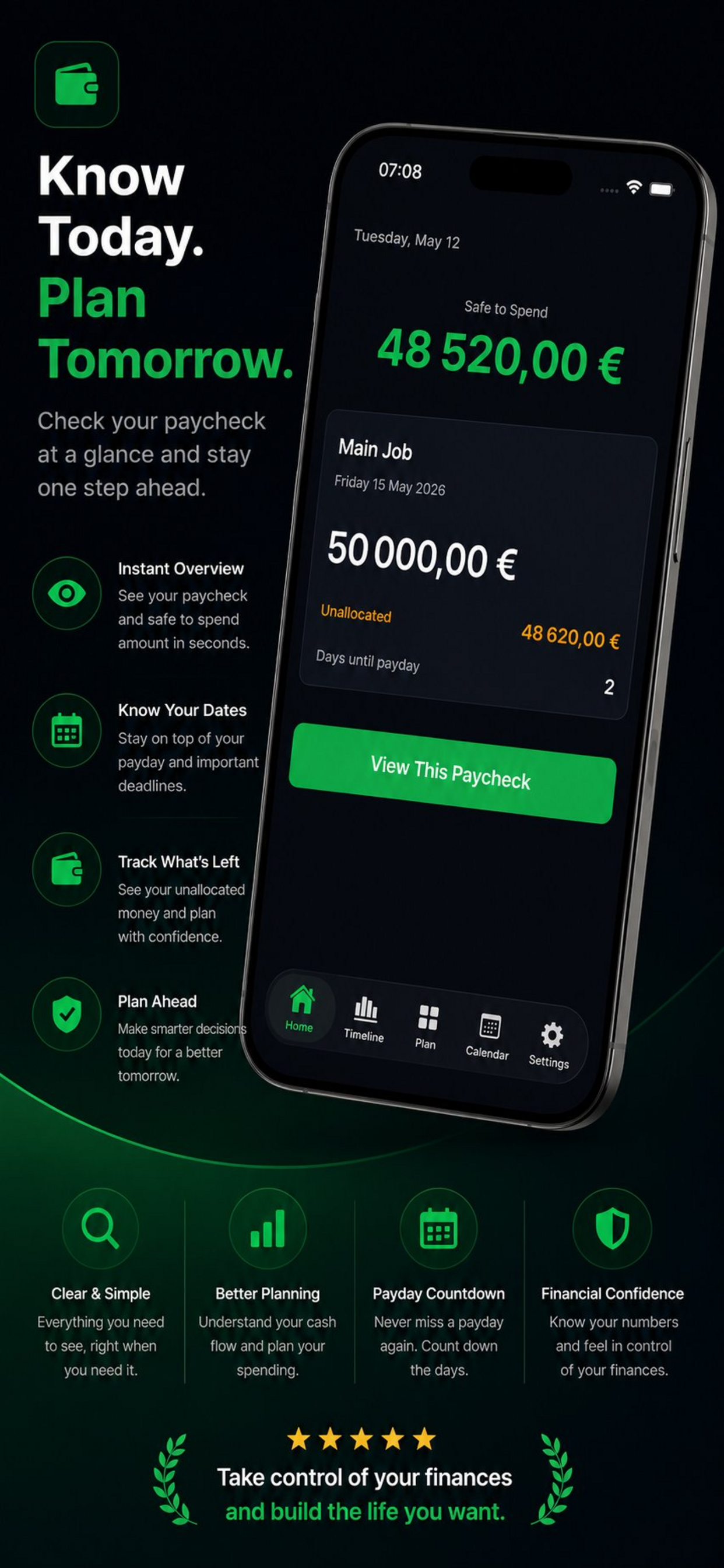
See what is left after allocations, mapped bills, and your cushion threshold so spending decisions stay grounded.
Timeline and calendar views
Review past, current, and upcoming paychecks with a cleaner history of how each options fits your real schedule.
PDF and CSV exports
Generate clean options exports when you want a shareable summary or a broader view of your paycheck history.
Private local-first storage
Core paycheck options, bills, and settings stay on-device, without requiring a bank connection or a mandatory account.
What to verify
Confirm exports, permissions, platform requirements, and any workflow limits inside the current App Store listing and app build.
Privacy and support
Review the app-specific privacy, terms, and support pages before using the app for sensitive records.
Related hubs
All Payday marketing guides
Every indexable guide and comparison page for this app stays linked from the product page so search visitors can move between app fit, support, and alternatives.
guide
Paycheck Planner App for iPhone
A focused guide to Payday as an iPhone app for paycheck planner workflows.
Open pageguide
Paycheck Planner App for Mobile Workflows
How Payday supports mobile-first work where the user needs a focused app instead of a broad platform.
Open pageguide
Payday Feature Guide
A source-backed feature guide for Payday, based on the live App Store listing and portfolio product data.
Open pageguide
Payday Setup and Support Guide
Where to start with Payday, what to check first, and where to find app-specific support routes.
Open pageguide
Payday Privacy and Data Handling Guide
A conservative overview of how to evaluate privacy, local data, exports, and support pages for Payday.
Open pageguide
Paycheck Planner App for documentation & operations
How Payday fits the documentation & operations part of the iOS Builder app portfolio.
Open pageguide
Paycheck Planner App with Paycheck-first planning
A page focused on paycheck-first planning inside Payday and why that capability matters for the app workflow.
Open pageguide
Paycheck Planner App with Allocation categories
A page focused on allocation categories inside Payday, using the live app listing as the source anchor.
Open pageguide
Paycheck Planner App with Safe-to-spend clarity
A page focused on safe-to-spend clarity inside Payday for users comparing workflow fit.
Open pageguide
Payday App Store Listing Guide
A quick guide to the live Payday App Store listing, support page, privacy page, and terms route.
Open pageFrequently asked questions about Payday
- Payday is built for people who budget around actual paydays, not just recurring totals, especially when bills hit at different points between checks.
- No. Payday is designed as a manual, local-first planning tool. You enter your paycheck amounts, bills, and categories directly.
- Safe to spend is the amount left after your paycheck allocations, mapped bills, and chosen cushion threshold are accounted for.
- Yes. Core planning, bill setup, timeline review, and exports are designed around on-device storage and do not depend on a constant connection.
More focused apps in nearby workflows
Warrantly
Warranty coverage, finally organized.
Warranty tracker for purchases, receipts, product photos, expiry reminders, and claim-ready records. Organize coverage before the date passes or the receipt disappears.
HaulLog
Log miles. File confidently.
IFTA mileage and fuel tracker for drivers and small fleets. Local-first trip logs, receipt capture, and export-ready quarterly summaries.