
Skip to content
In Review

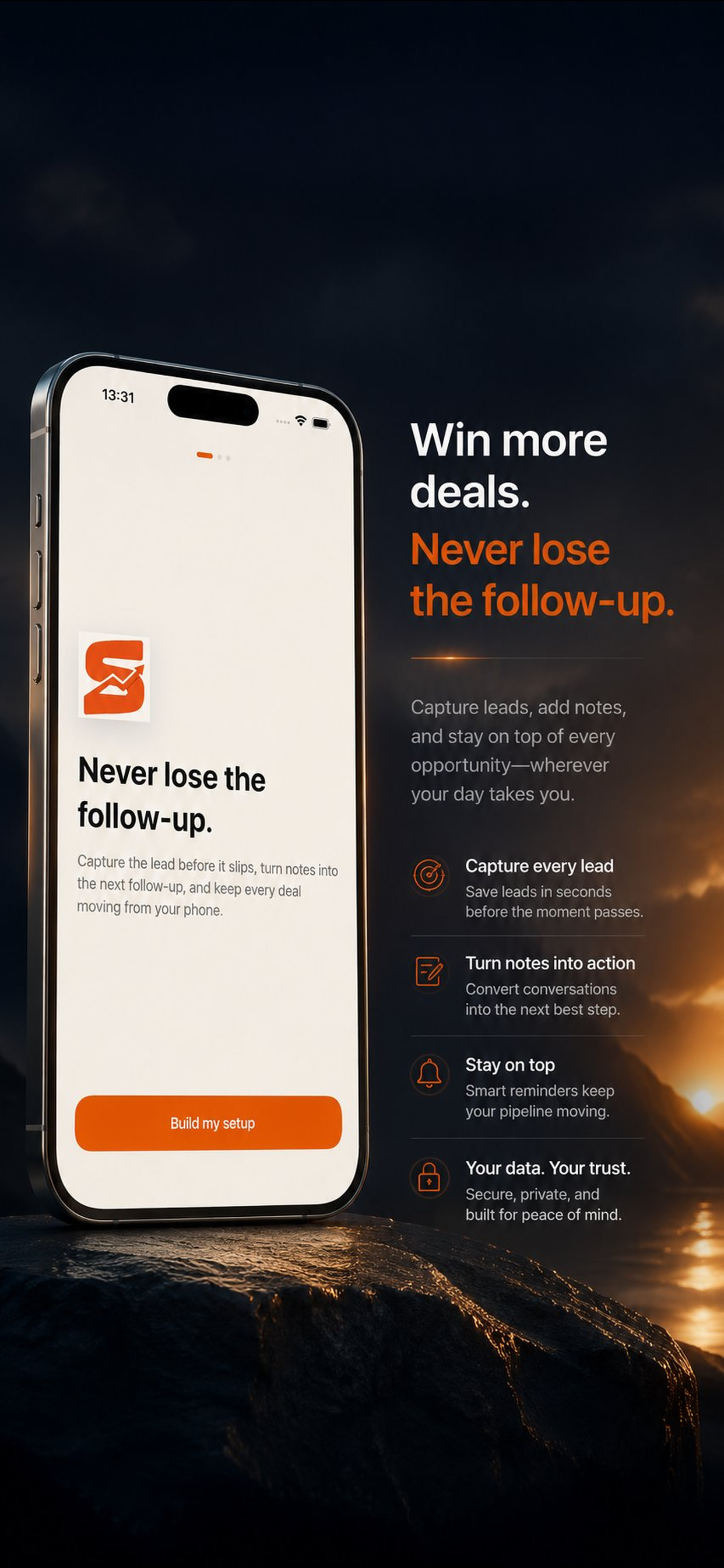
Sales, without the paperwork.

Capture the lead, get the brief, send the follow-up, and keep the pipeline moving from your phone in under a minute.

This page stays public as a portfolio preview while App Store review is still in progress.

Built for clarity

Everything important, without the noise

SalesPilot is positioned as a focused workflow app, not a bloated general-purpose platform.

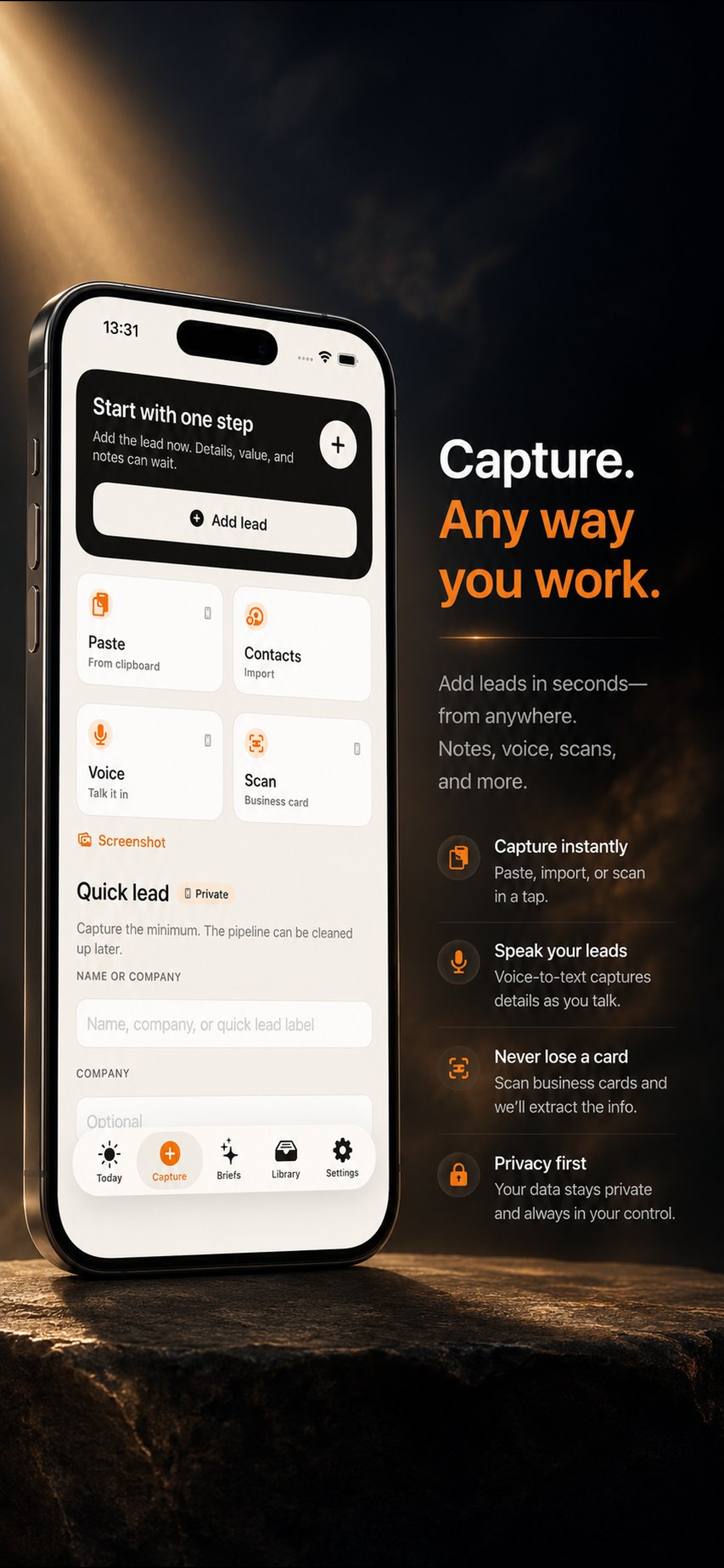
Fast lead capture

Add leads by typing, voice capture, contacts import, or business-card scan instead of re-entering everything later.

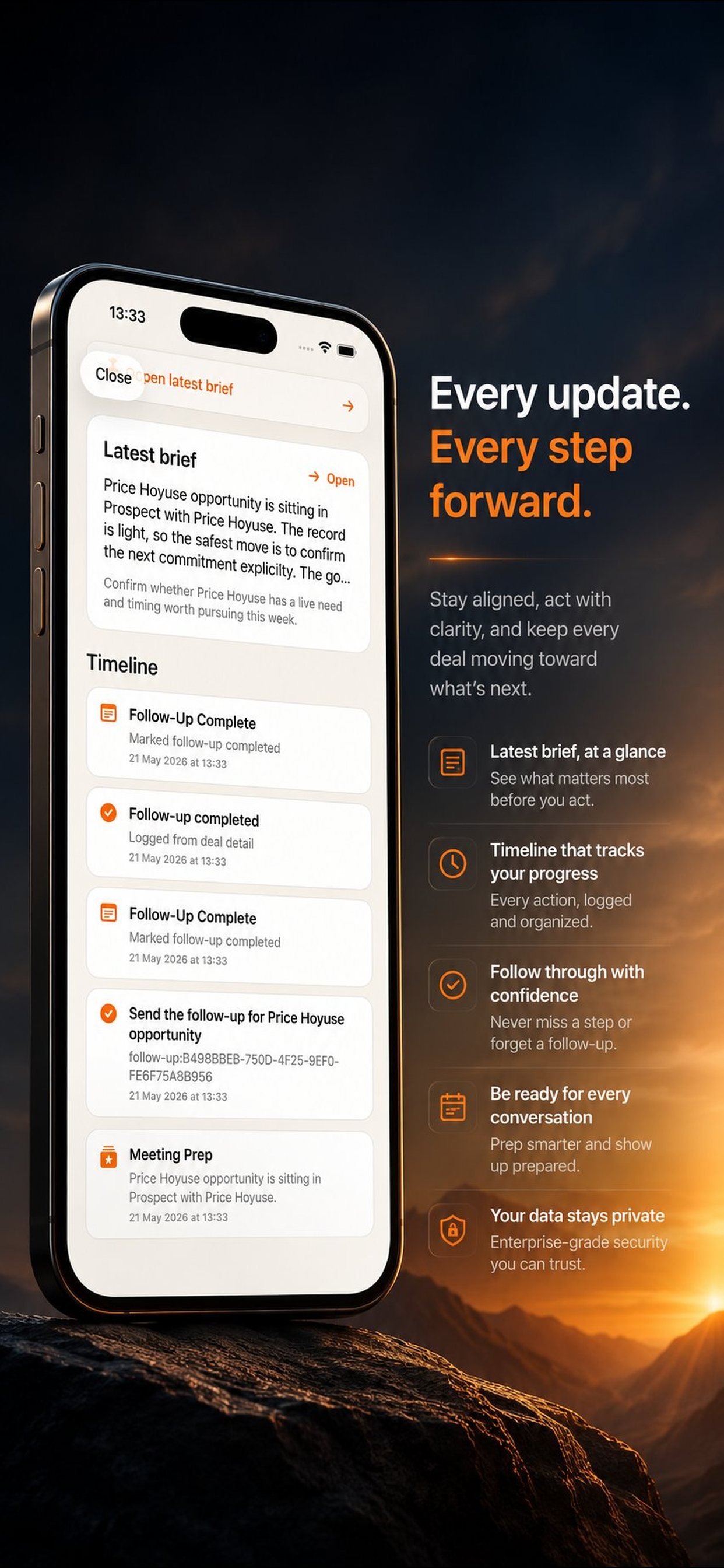
AI meeting briefs

Turn raw notes and deal context into a concise brief so you know what matters before the next touchpoint.

Voice-to-CRM workflow

Dictate right after a meeting and convert the transcript into structured contact and deal fields.

Follow-up drafts

Generate a tone-matched follow-up message in seconds when the next step matters more than perfect prose.

Pipeline alerts

See when a deal is slipping so follow-up happens before the opportunity goes cold.

Exportable deal library

Keep briefs, notes, and deal records organized and ready to export when you need proof or context.

How it works

Capture the contact

Start with a note, transcript, imported contact, or business card instead of filling a desktop-style CRM form.

Generate the next action

Use briefs, insights, and follow-up drafting to turn a raw interaction into a clean next step quickly.

Keep the pipeline moving

Review the dashboard, act on stale-deal alerts, and export the details that matter when a deal needs context.

Frequently asked questions about SalesPilot

SalesPilot is built for solo operators and small-team sellers such as founders, consultants, and field reps who need a CRM that fits in their pocket.
No. SalesPilot is focused on speed, capture, briefs, and follow-through for individual sellers rather than deep enterprise administration.
Core manual capture and local deal review can keep working without a connection, but network-backed AI workflows such as structured extraction, generated briefs, and follow-up drafts may require internet access.
Yes. Those workflows are part of the app's capture surface and request microphone or camera access only when you choose to use them.
Related Apps

More apps in a similar utility group

Browse the full directory
Live on the App Store


SupportLog

SupportLog

Court-ready payment records

Log payments, track missed payments, and export court-ready PDFs with tamper-evident records.

Log payments & missed paymentsCorrections without rewriting history
Download on the App Store
Live on the App Store
ChangeFlow

ChangeFlow

Capture scope. Protect margin.

Construction change order and T&M documentation app for field teams. Evidence capture, signatures, immutable event history, and export-ready packets.

Field-ready change ordersT&M daily logs
Live on the App Store
ClaimProof

ClaimProof

Document before disaster.

Home inventory documentation app for insurance preparation. Capture rooms, items, media evidence, and export claim-ready bundles.

Guided room walkthroughsItem cataloging