
Skip to content
HaulLog
Live on the App Store


HaulLog: IFTA Tracker

Track every mile by jurisdiction. Export IFTA-ready reports in minutes.

HaulLog helps owner-operators and small fleets capture trip miles, fuel receipts, and quarter summaries without spreadsheet chaos.

Published on the App Store under RAPHAEL MOMANYI. Last reviewed for portfolio context on May 23, 2026.

Portfolio context

Primary action is the verified App Store listing, not a purchase-disclosure funnel.

Support, privacy, and terms pages are app-specific and linked from this page.

Guide pages are written as fit guidance with source links and conservative claims.

Navigate HaulLog

Move between the main app page, support, features, and legal pages without backing out to the main directory.

Browse all apps
Workflow fit

What HaulLog is built to help with

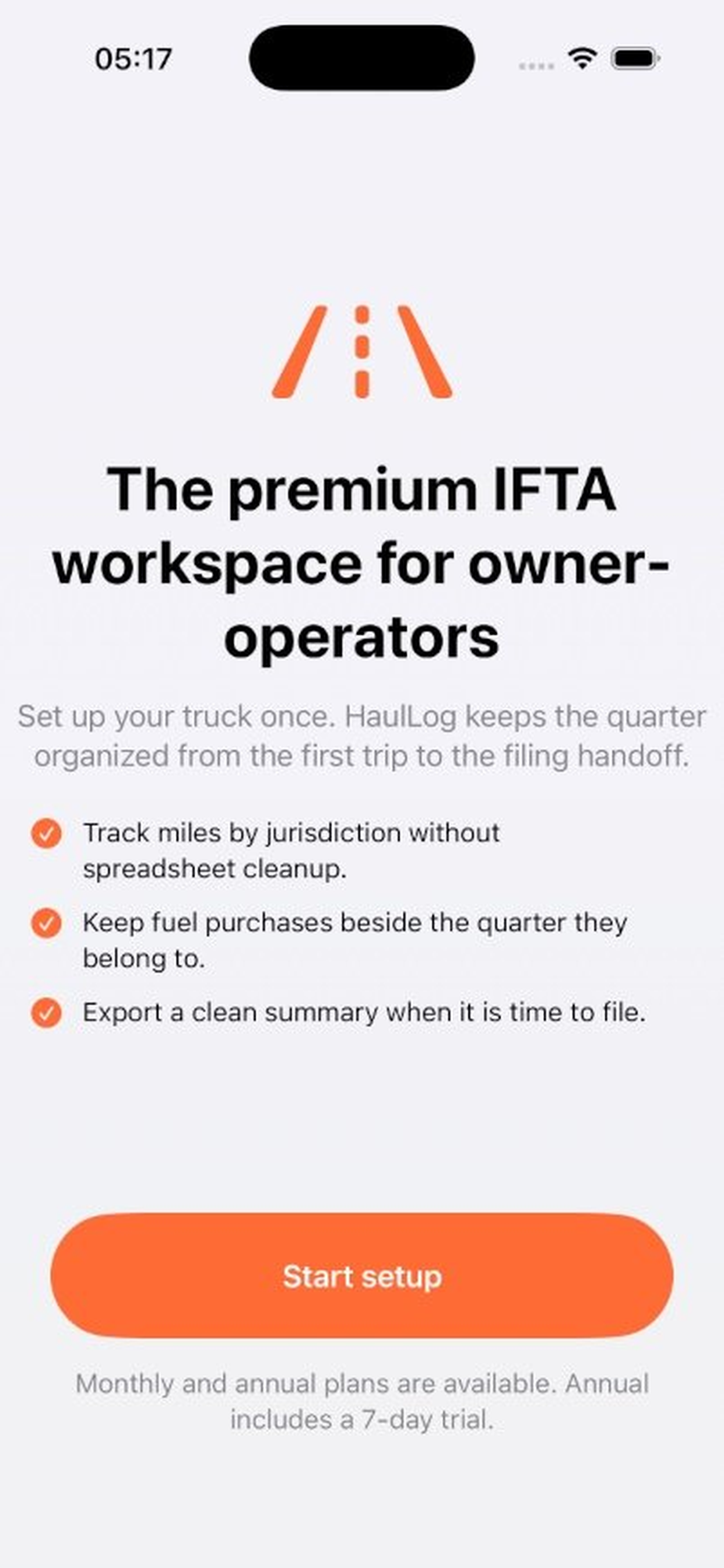
IFTA mileage and fuel tracker for drivers and small fleets. Local-first trip logs, receipt capture, and export-ready quarterly summaries.

Best for

truck driversowner-operatorsfleet admins

Workflow tags

IFTA trackingfuel logstrip records

Product visuals

HaulLog screenshots

7 mapped assets

HaulLog developer-provided iPhone screenshot 1
Developer-provided asset
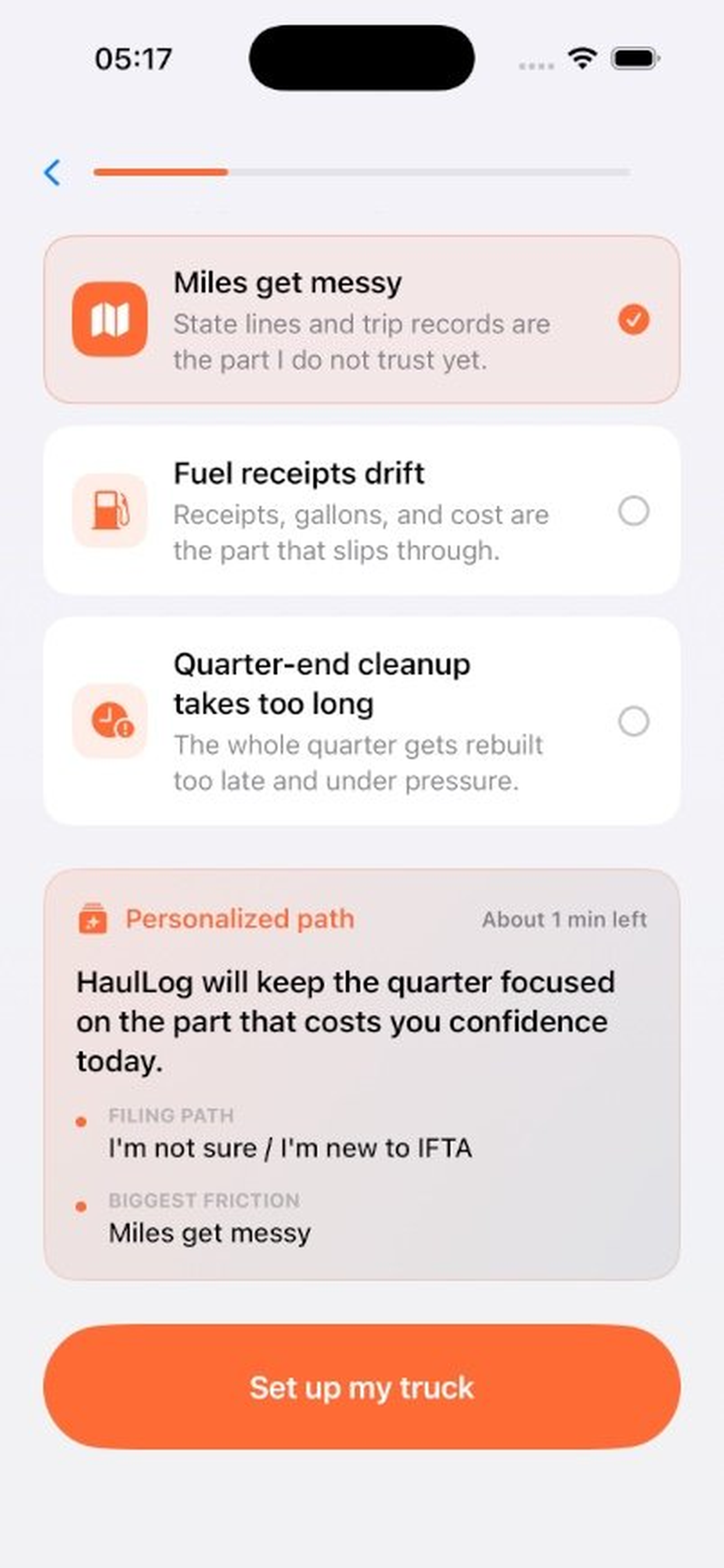
HaulLog developer-provided iPhone screenshot 2
Developer-provided asset
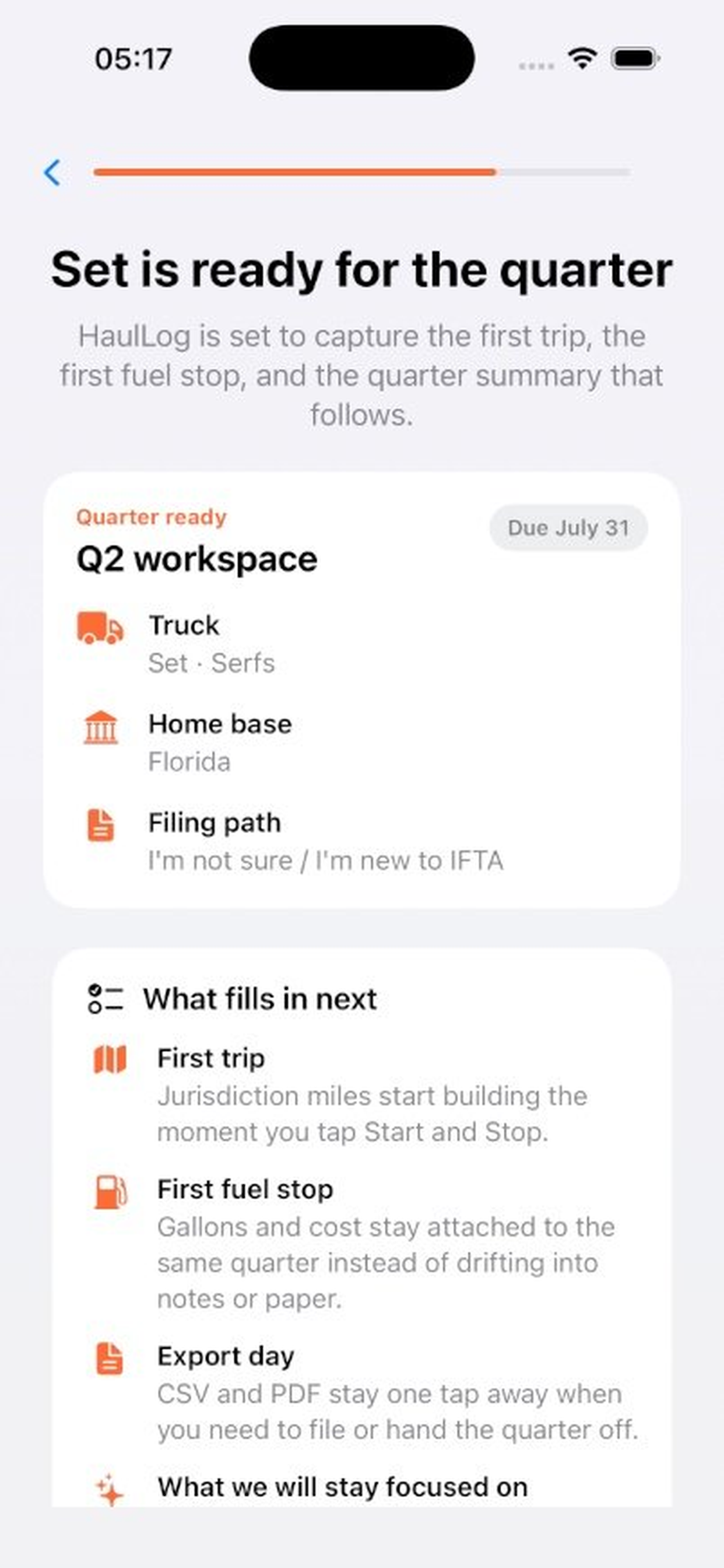
HaulLog developer-provided iPhone screenshot 3
Developer-provided asset
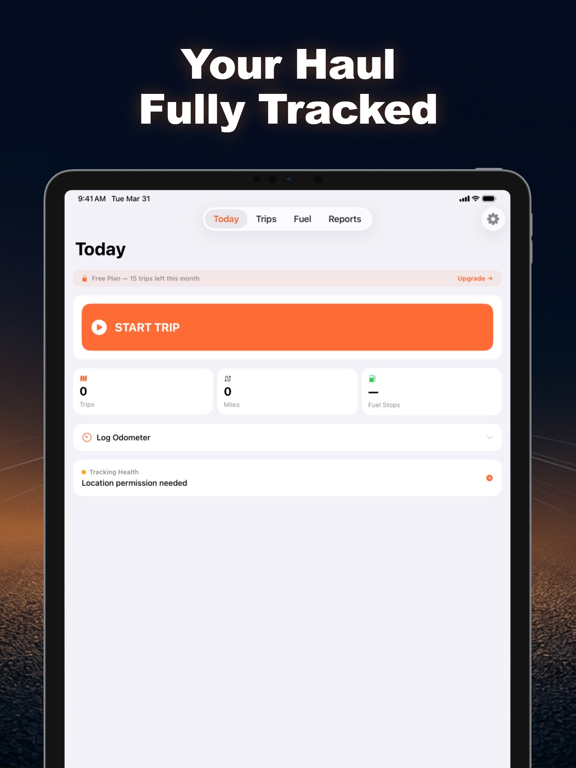
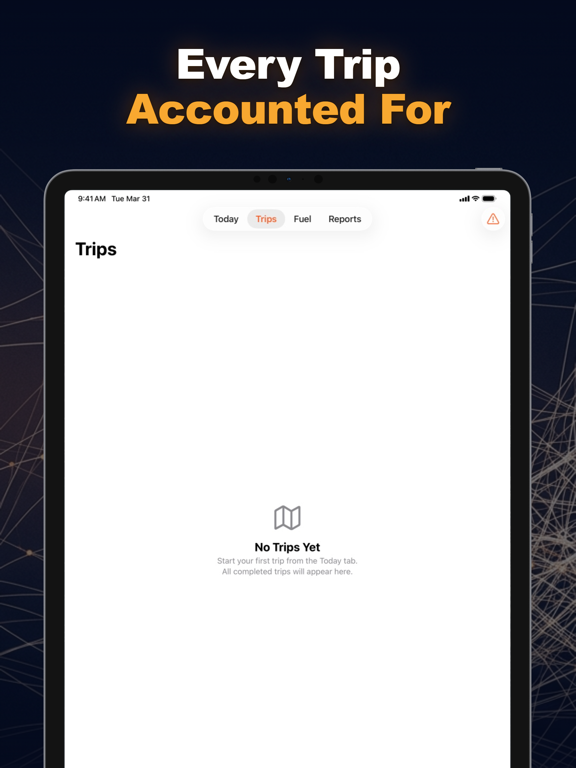
HaulLog: IFTA Tracker App Store ipad screenshot 1
App Store asset
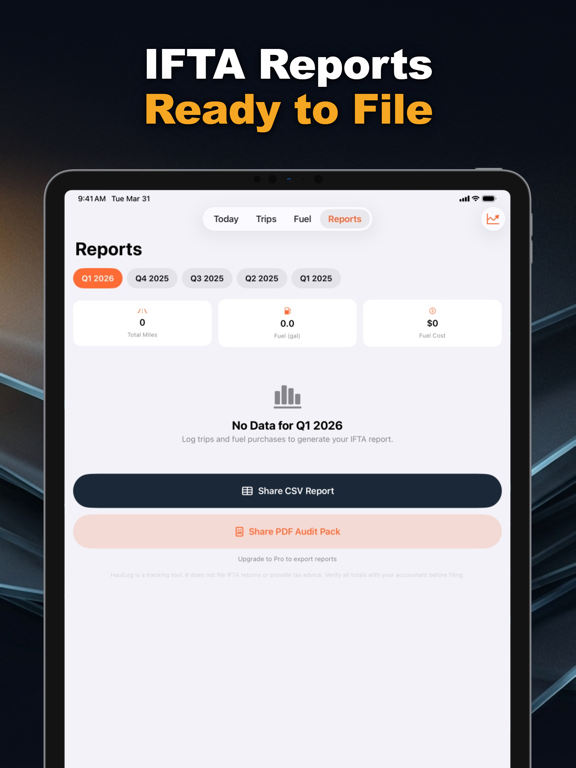
HaulLog: IFTA Tracker App Store ipad screenshot 2
App Store asset
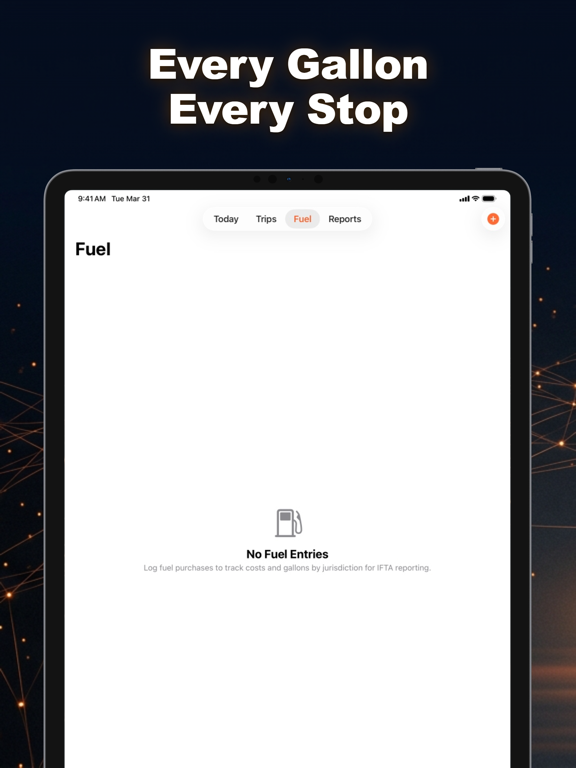
HaulLog: IFTA Tracker App Store ipad screenshot 3
App Store asset
Features

Evaluate the core product surface

These are portfolio-level feature summaries. Use the live App Store listing and the app itself to confirm the current feature set before adopting it into a recurring workflow.

Feature page

Jurisdiction trip breakdowns

Automatically split miles by state or province for IFTA reporting.

Fuel receipt capture

Capture and confirm gallons, totals, and vendor details quickly.

Quarter-ready summaries

Generate jurisdiction totals and export reports when filing time arrives.

Append-only trip history

Corrections create amendments so your log stays auditable.

Gap and duplicate alerts

Find missing trips and possible duplicate fuel entries before export.

Offline-first logging

Keep tracking in low-signal routes without losing records.

What to verify

Confirm exports, permissions, platform requirements, and any workflow limits inside the current App Store listing and app build.

Privacy and support

Review the app-specific privacy, terms, and support pages before using the app for sensitive records.

Related hubs

Guides

All HaulLog marketing guides

Every indexable guide and comparison page for this app stays linked from the product page so search visitors can move between app fit, support, and alternatives.

comparison hub

HaulLog comparisons

Head-to-head alternatives and fit guidance for HaulLog.

Open page

guide

IFTA Tracker App for iPhone

A focused guide to HaulLog as an iPhone app for ifta tracker workflows.

Open page

guide

IFTA Tracker App for Mobile Workflows

How HaulLog supports mobile-first work where the user needs a focused app instead of a broad platform.

Open page

guide

HaulLog Feature Guide

A source-backed feature guide for HaulLog, based on the live App Store listing and portfolio product data.

Open page

guide

HaulLog Setup and Support Guide

Where to start with HaulLog, what to check first, and where to find app-specific support routes.

Open page

guide

HaulLog Privacy and Data Handling Guide

A conservative overview of how to evaluate privacy, local data, exports, and support pages for HaulLog.

Open page

guide

IFTA Tracker App for documentation & operations

How HaulLog fits the documentation & operations part of the iOS Builder app portfolio.

Open page

guide

IFTA Tracker App with Jurisdiction trip breakdowns

A page focused on jurisdiction trip breakdowns inside HaulLog and why that capability matters for the app workflow.

Open page

guide

IFTA Tracker App with Fuel receipt capture

A page focused on fuel receipt capture inside HaulLog, using the live app listing as the source anchor.

Open page

guide

IFTA Tracker App with Quarter-ready summaries

A page focused on quarter-ready summaries inside HaulLog for users comparing workflow fit.

Open page

guide

HaulLog App Store Listing Guide

A quick guide to the live HaulLog App Store listing, support page, privacy page, and terms route.

Open page

comparison

HaulLog vs TripLog

A comparison between HaulLog’s IFTA-first trip workflow and TripLog’s broader mileage-tracking positioning.

Open page

comparison

HaulLog vs Samsara

A comparison between HaulLog’s driver-first IFTA workflow and Samsara’s broader fleet platform scope.

Open page

Frequently asked questions about HaulLog

HaulLog is built for owner-operators and small fleets that need accurate IFTA records.
Yes. Core trip and fuel logging works offline, with data stored on-device.
Yes. Corrections are saved as amendments so the original history remains traceable.
Yes. You can export quarter summaries and supporting data from the app.
Related apps

More focused apps in nearby workflows

Live on the App Store
Auren

Auren

Self-Custody Crypto Invoicing

Auren is a native iPhone workflow for stablecoin billing. Create client invoices, share payment links or QR codes, receive USDC on Base or USDT on Solana to a self-custody wallet, and keep invoice, transaction, export, and audit records organized on-device.

USDC invoicesPayment linksSelf-custodyCSV exports
Download on the App Store
Live on the App Store
ChangeFlow

ChangeFlow

Capture scope. Protect margin.

Construction change order and T&M documentation app for field teams. Evidence capture, signatures, immutable event history, and export-ready packets.

Field-ready change ordersT&M daily logs

Live on the App Store
Warrantly

Warrantly

Warranty coverage, finally organized.

Warranty tracker for purchases, receipts, product photos, expiry reminders, and claim-ready records. Organize coverage before the date passes or the receipt disappears.

Receipt vaultExpiry remindersWarranty cards