
Skip to content
TrueMax
Live on the App Store
TrueMax: Face & Style

Know what works for you. Keep your face private.

TrueMax turns a deliberate front-camera capture into transparent cosmetic estimate bands and a practical grooming and presentation options.

Published on the App Store under RAPHAEL MOMANYI. Last reviewed for portfolio context on May 23, 2026.

Portfolio context

Primary action is the verified App Store listing, not a purchase-disclosure funnel.

Support, privacy, and terms pages are app-specific and linked from this page.

Guide pages are written as fit guidance with source links and conservative claims.

Navigate TrueMax

Move between the main app page, support, features, and legal pages without backing out to the main directory.

Browse all apps
Workflow fit

What TrueMax is built to help with

A local-first iPhone app for adults who want a consistent starting point for grooming and presentation. TrueMax uses Vision landmarks and, where available, transient TrueDepth geometry; it does not upload face images, assign attractiveness scores, or provide medical advice.

Best for

grooming-focused adultsprivacy-conscious iPhone usersstyle experimenters

Workflow tags

guided face captureestimate bandsgrooming optionsprivate scan history

Product visuals

TrueMax screenshots

6 mapped assets

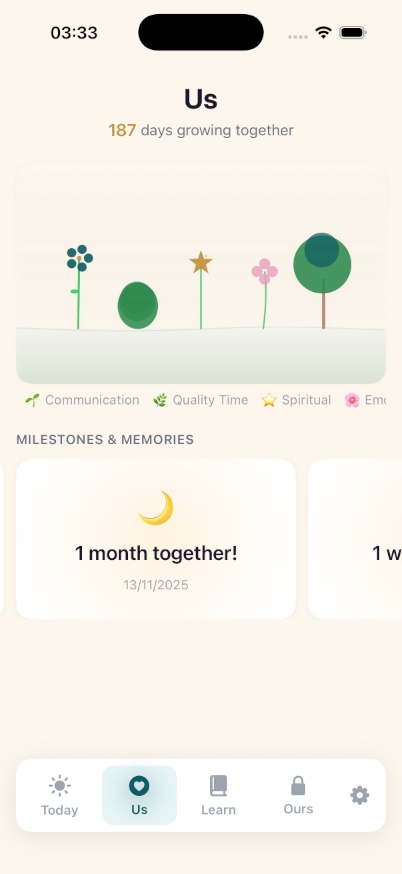
Sakinah developer-provided iPhone screenshot 1
Developer-provided asset
Sakinah developer-provided iPhone screenshot 2
Developer-provided asset
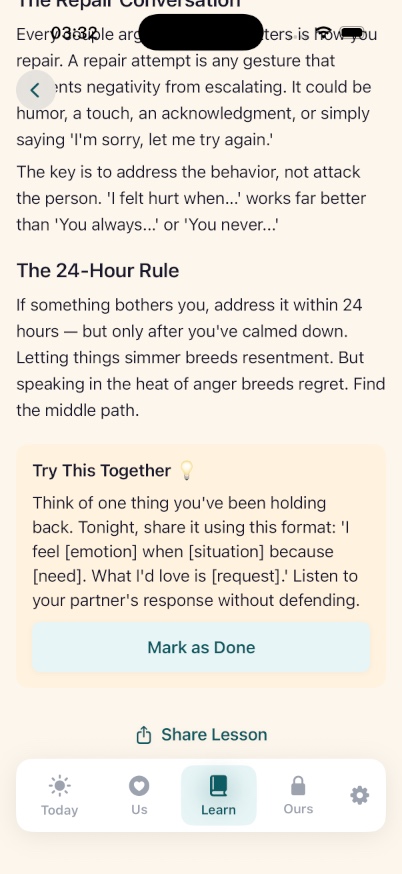
Sakinah developer-provided iPhone screenshot 3
Developer-provided asset
Sakinah developer-provided iPhone screenshot 4
Developer-provided asset
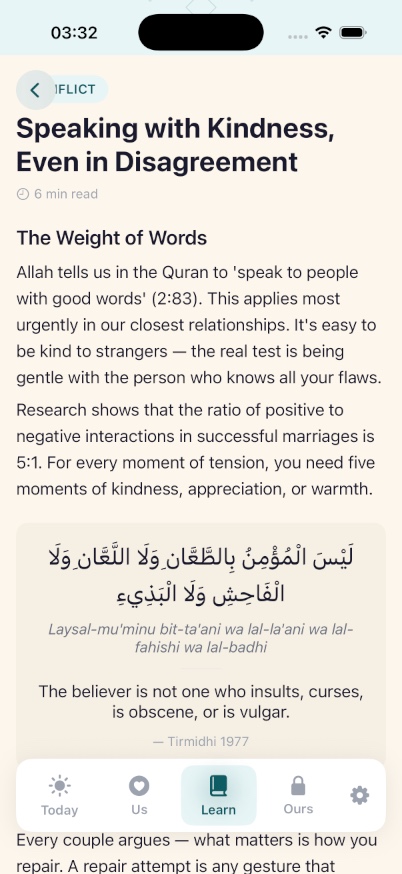
Sakinah developer-provided iPhone screenshot 5
Developer-provided asset
Sakinah developer-provided iPhone screenshot 6
Developer-provided asset
Features

Evaluate the core product surface

These are portfolio-level feature summaries. Use the live App Store listing and the app itself to confirm the current feature set before adopting it into a recurring workflow.

Feature page

Guided private capture

Live framing, distance, lighting, and pose guidance helps you repeat a comparable scan.

Depth-assisted estimates

Transient TrueDepth geometry can refine selected bands; compatible photo-only devices remain clearly labeled.

Transparent methodology

Every band explains what was measured, why it varies, and what it does not claim.

Personal grooming options

Deterministic on-device rules turn your latest measurements into practical hair, color, skin, and presentation suggestions.

Private progress history

Compare your own scans over time without social rankings, public profiles, or cloud sync.

Local deletion controls

Delete individual captures or all TrueMax data from Settings; purchases remain managed by Apple.

What to verify

Confirm exports, permissions, platform requirements, and any workflow limits inside the current App Store listing and app build.

Privacy and support

Review the app-specific privacy, terms, and support pages before using the app for sensitive records.

Related hubs

Guides

All TrueMax marketing guides

Every indexable guide and comparison page for this app stays linked from the product page so search visitors can move between app fit, support, and alternatives.

comparison hub

TrueMax comparisons

Head-to-head alternatives and fit guidance for TrueMax.

Open page

guide

Face & Style App for iPhone

A focused guide to TrueMax as an iPhone app for face & style workflows.

Open page

guide

Face & Style App for Mobile Workflows

How TrueMax supports mobile-first work where the user needs a focused app instead of a broad platform.

Open page

guide

TrueMax Feature Guide

A source-backed feature guide for TrueMax, based on the live App Store listing and portfolio product data.

Open page

guide

TrueMax Setup and Support Guide

Where to start with TrueMax, what to check first, and where to find app-specific support routes.

Open page

guide

TrueMax Privacy and Data Handling Guide

A conservative overview of how to evaluate privacy, local data, exports, and support pages for TrueMax.

Open page

guide

Face & Style App for wellness & insight

How TrueMax fits the wellness & insight part of the iOS Builder app portfolio.

Open page

guide

Face & Style App with Guided private capture

A page focused on guided private capture inside TrueMax and why that capability matters for the app workflow.

Open page

guide

Face & Style App with Depth-assisted estimates

A page focused on depth-assisted estimates inside TrueMax, using the live app listing as the source anchor.

Open page

guide

Face & Style App with Transparent methodology

A page focused on transparent methodology inside TrueMax for users comparing workflow fit.

Open page

guide

TrueMax App Store Listing Guide

A quick guide to the live TrueMax App Store listing, support page, privacy page, and terms route.

Open page

comparison

TrueMax vs Mawadda

A comparison between Sakinah’s private daily-couples ritual workflow and Mawadda’s Islamic relationship-app positioning.

Open page

comparison

TrueMax vs Paired

A comparison between Sakinah’s Muslim-couples-first product and Paired’s broader mainstream couples-app positioning.

Open page

Frequently asked questions about TrueMax

No. Deliberate captures, derived geometry, measurements, and history are processed and stored in protected local app storage. There is no account or cloud photo library.
Compatible TrueDepth devices provide a transient depth summary that can tighten selected estimate bands. Other devices use Vision 2D landmarks and show wider photo estimates.
No. It is cosmetic guidance for grooming and presentation. It does not diagnose, rank attractiveness, measure clinical anatomy, or replace professional advice.
Yes. The app is on-device and has no sign-in. Apple and RevenueCat are used only to process purchases and restore in-app purchases entitlements.
Related apps

More focused apps in nearby workflows

Live on the App Store
AirLog

AirLog

CPAP Progress You Can Actually See

AirLog is a privacy-first CPAP companion for people who want a simple morning routine, better equipment tracking, and cleaner history before sleep appointments. Check-ins, journal notes, mask comparisons, and reports are designed to stay organized on your device.

CPAP check-insEquipment remindersDoctor-ready reports
Live on the App Store
Anchor

Anchor

Private Recovery Companion

Anchor is a native iPhone recovery and habit-support app for people reducing, quitting, or maintaining sobriety. It keeps core recovery data local, does not require an app account, reads HealthKit signals only with permission, and helps users move through cravings with fast interventions, journaling, slip logs, crisis resources, and private exports.

No accountHealthKitCraving supportLocal-first
Live on the App Store
Birdie AI

Birdie AI

Personal Golf Coach

Birdie AI is a native iPhone golf improvement coach for players who want practical progress without tour-level dashboards. Log scores, putts, fairways, greens, penalties, and notes, then see whether driving, approach, short game, putting, penalties, or course decisions are costing you the most strokes.

Golf coachRound statsVoice loggingPractice options