Adaptone
Matching songs
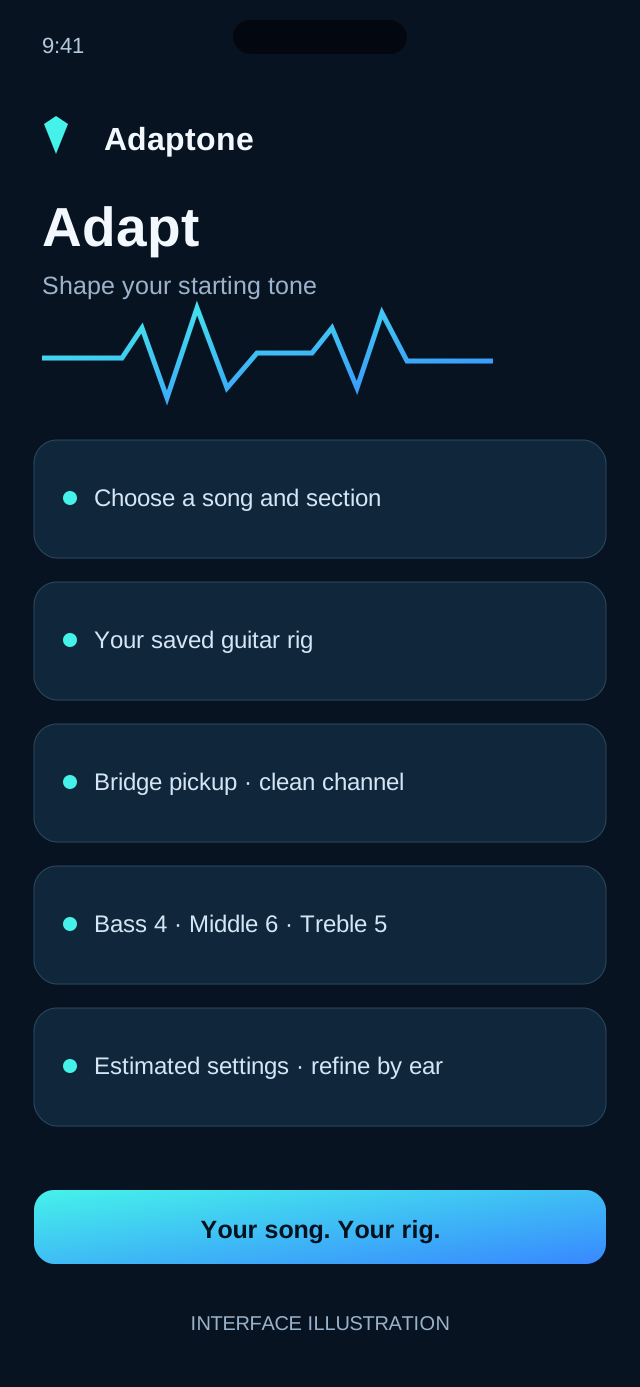
Choose a song, your rig and the playing part. Learn why recommendations may vary.
Help and support
Find answers about song matching, gear profiles, tuning, subscriptions and saved tones.
Choose a song, your rig and the playing part. Learn why recommendations may vary.
Add your instruments and amp controls, and use the microphone tuner.
Manage monthly or annual access through Apple subscriptions.
Frequently asked questions
The on-demand research workflow is designed to attempt matches for a very broad range of songs. Some recordings have little reliable public information, so results may be estimated rather than source-verified.
No. The core idea is to adapt a target sound to the equipment you already own. The outcome is an approximation and will differ with technique, speakers and room acoustics.
Exact studio equipment and knob settings are often undocumented. Adaptone should identify those gaps rather than present an AI guess as historical fact.
The My Gear experience is designed to support saved combinations of instruments, amps and effects. You can choose a rig when requesting a match.
Use Restore Purchases in the Adaptone paywall or subscription settings, with the Apple account used to purchase. Restoring a subscription does not necessarily restore anonymous-account tone history.
The tuner processes pitch on your device. Microphone access is requested when you start tuning; tuner audio is not uploaded for research or tone matching.
No. Its purpose is to provide sound-setting suggestions for your equipment, not to stream the recording or recreate the original master.
Unless specifically noted, Adaptone is independent and uses names to identify songs and equipment.
Contact
Email us for help with your rig, tone settings, or subscription.
support@socialreporthq.com